Choose a video aspect ratio by composition
Aspect ratio describes the relationship between frame width and height. It is not a quality score. A wide frame gives the scene room horizontally; a tall frame changes what can remain beside the subject. Before choosing a format, decide which parts of the image must stay visible.
Landscape 16:9, portrait 9:16 and square 1:1 are the three choices in AIVideo’s brief workspace. They record your intended framing; they do not crop or generate a file.
Compare the three frames
- Landscape: consider it when the relationship between a subject and the surroundings matters.
- Portrait: consider it when the composition is naturally tall or you want a close view of one standing subject.
- Square: consider it when a centered subject works without a strongly horizontal or vertical layout.
These are composition suggestions, not requirements for a publishing platform. Check the current specifications of the destination before delivering a finished video.
A vase example
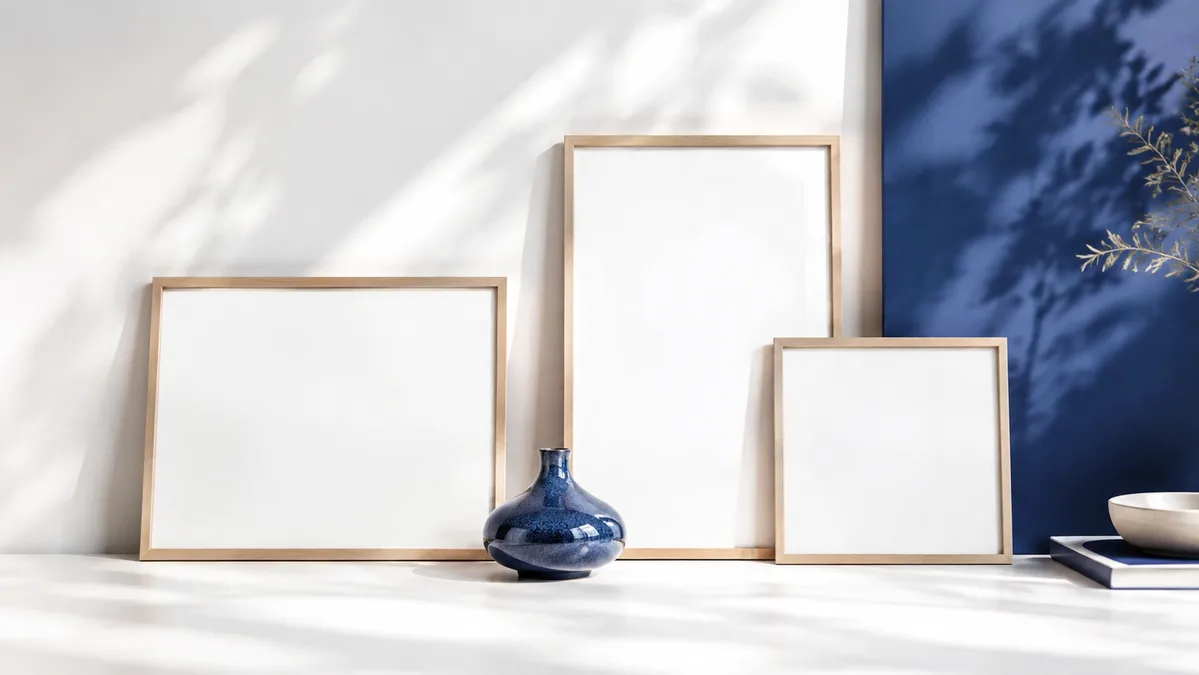
Picture a blue vase with a branch extending sideways. A portrait crop might keep the vase tall but cut off the branch. A wide crop could preserve the branch while leaving more empty space above and below. A square crop might work if the branch is short enough.
The right answer depends on whether the branch is part of the story. Try framing the scene with your hands or with a crop preview before deciding.
Plan for movement and text
Leave room for where the subject will go, not only where it begins. If a person steps sideways, inspect whether the planned frame still contains them. If you intend to add captions, reserve a region where text will not obscure a face or an important object.
Do not assume a crop that works at the first frame works throughout the shot. Check the widest movement and any moment where the subject approaches an edge.
Take one decision into the brief
Write a framing note such as “Portrait, full upper body visible, room above the head.” Then select the matching format in AIVideo. The format summary is a planning aid, not an export setting applied to footage.
For generation, editing and publishing tools, supported dimensions may differ. Keep aspect ratio separate from pixel dimensions in your notes so you know whether you are changing composition, output size or both.
Put your next step into practice
Open the AIVideo workspace to try the sample controls. For another part of the decision, read text-to-video ai prompts: write one clear shot.